
Free Google Sheets template

Use your existing data to meet real people at the exact moment they need you

The Person + Occasion + Phase Worksheet - the exact template from Life After Keywords presentation from Lindsie Nelson - Head of SEO at Symphonic Digital. The template has all the AI prompts already written. Paste in your queries, get back a list of the people you're not writing for and what to build for each of them.

5 tabs, in the order you actually work

Built over 5 years with Sierra Nevada Brewing Co.

Book Lindsie

Get the worksheet

Free, no strings.

The sheet opens the second you submit. One email, then nothing unless you ask.

What you'll walk away with

Not a framework to think about. Three things on your screen:
A ranked list of the people you're not writing for
Every persona hiding in your query data, sorted by how much traffic you're already getting from them and ignoring.
The moment each one is searching in
Not just who but when. Someone comparing options in week three needs something different from the person who just started looking.
A content type assigned to every row
Beginner's guide, executive brief, long-form how-to, comparison page. Decided before you write a word, so nothing gets built twice.
We found three gaps on our own site with this. So can you.

The problem with ranking #1

Same ranking. Fewer people arriving.

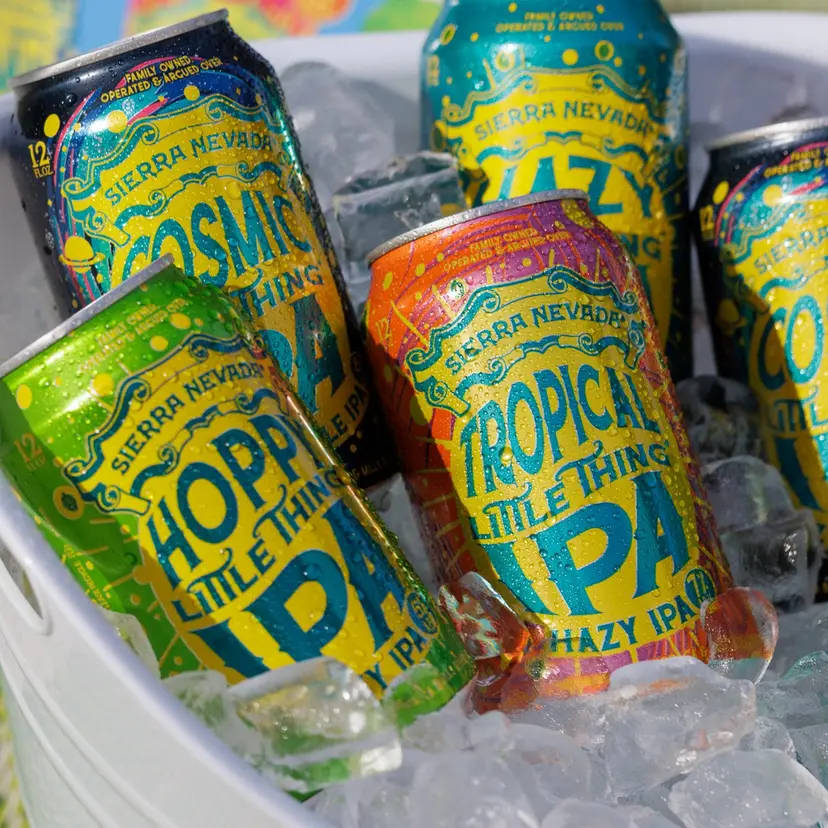
We held #1 for "hazy IPA" for years at Sierra Nevada Brewing Co. We still hold it today. Organic traffic to that page kept dropping anyway.


That's the story across search right now, and chasing rank isn't the answer anymore.


The real problem wasn't the ranking. A large share of Sierra Nevada's actual buyers are women, and almost none of the beer education content we'd built, hop varietals, brewing science, IPA comparisons, was written for them. We weren't just losing traffic on our best keyword. We were writing to the wrong person.


So we stopped optimizing for the ranking and started optimizing for the person. Better for humans. Better for the bots that engage with humans.

Every keyword cluster already has a Who, a Why, and a When hiding inside it. You're not throwing out your keyword research, you're reverse-engineering it.

What's inside

Five tabs. Open the first one and go.

A full team built the first version of this from scratch. It's reverse-engineered into five steps, and the formulas are already in the cells.

Export

Paste your queries, see your gaps
Paste your Google Search Console queries in. The tab flags your real gaps for you: high impressions, weak position.
Where to start: 90 days of query data is enough to work with.

AI first pass

Two prompts tag every query with Who, Why, and Phase
Two prompts, written and tested, that tag every query with Who, Why, and Phase. Built for Gemini in Sheets, they work pasted into any model. Review the output; don't blindly trust it.
No Gemini? No problem. The prompts are plain text — paste them into ChatGPT, Claude, or whatever you already pay for.

The matrix

Persona + Occasion + Phase, one row each
Persona + Occasion + Phase, one row each. Aim for 30–40 real combinations, not every possible cell. The tab tells you when to stop.
The one mistake most teams make: stopping at the persona and skipping the phase. Persona alone tells you who to talk to. Phase tells you what to say. The sheet won't let you skip it.

Stress-test

Pressure-test the matrix against five outside signals
Five outside signals to pressure-check your matrix against: sales calls, support tickets, reviews, forums, GEO prompt data. The spreadsheet gets you 80% of the way. This tab gets you the rest.
The spreadsheet gets you 80% of the way. This tab gets you the rest.

Content-type mapping

A content type assigned to every row
Every row gets a content type before anyone writes anything. This is the tab that stops the duplicate blog post.
This is the tab that stops the duplicate blog post. Every row leaves with a content type attached.

Built live, on a real brand, over five years

This isn't a theory someone wrote up over a weekend. It came out of five years of work with Sierra Nevada Brewing Co., and it's been recognized with a Silver SMARTIES™ North America Award and a Grand Indies Tech Innovation Finalist nomination.

10

PERSONAS

15

OCCASIONS

51

COMBINATIONS

Lindsie Nelson

Partner & Head of SEO/GEO, Symphonic Digital

Leading SEO, GEO, and AI-search strategy across B2B, consumer, and global brands.

Before you download it

A few things people ask

Do I need Gemini for this?
plus icon
No. The prompts are written for Gemini in Sheets because that's fastest, but they're plain text, paste them into ChatGPT, Claude, or whatever you already pay for. The sheet works with zero AI too; you'll just do the first pass by hand.
How much work is this?
plus icon
It scales to the time you have. The sheet is useful at 10 combinations and better at 40, Tab 3 tells you when you've got enough to act on. The temptation is to fill every cell in the matrix. Don't.
Does this work for B2B?
plus icon
We ran it on our own B2B site and found 24 personas and 29 combinations, including three content gaps we started building right away. The New Media Buyer needs a beginner's checklist. The Budget Steward needs an executive brief. Nothing about that is beer.
How much Search Console data do I need?
plus icon
If you have 90 days of query data, you have enough to start.
What happens to my email?
plus icon
One email with the sheet. After that you hear from us only if you opt in. Unsubscribe in one click, no hard feelings.

Or have us run it on your site

The worksheet is free and yours, go build it. But if you'd rather not build it alone, or you want it run across every service line instead of one, that's the playbook we run for clients. Give us your Search Console access and we'll come back with where the real gaps are.

Book 30 minutes

Get the worksheet

Five tabs, two AI prompts, formulas built in. Free.